Camera → Identity → Automation
Recognition is the input. Your system decides what follows.
FaceStream connects suitable camera streams with the systems that need to know who is there. Recognition runs locally; identity becomes an event you can use.
From camera to automation
-
Camera: supplies an RTSP or MJPEG stream
-
FaceStream: compares faces with enrolled people
-
Identity event: carries recognition information
-
Automation: the receiving system applies its rules
Recognition runs on your hardware. Your automation system decides what happens next.
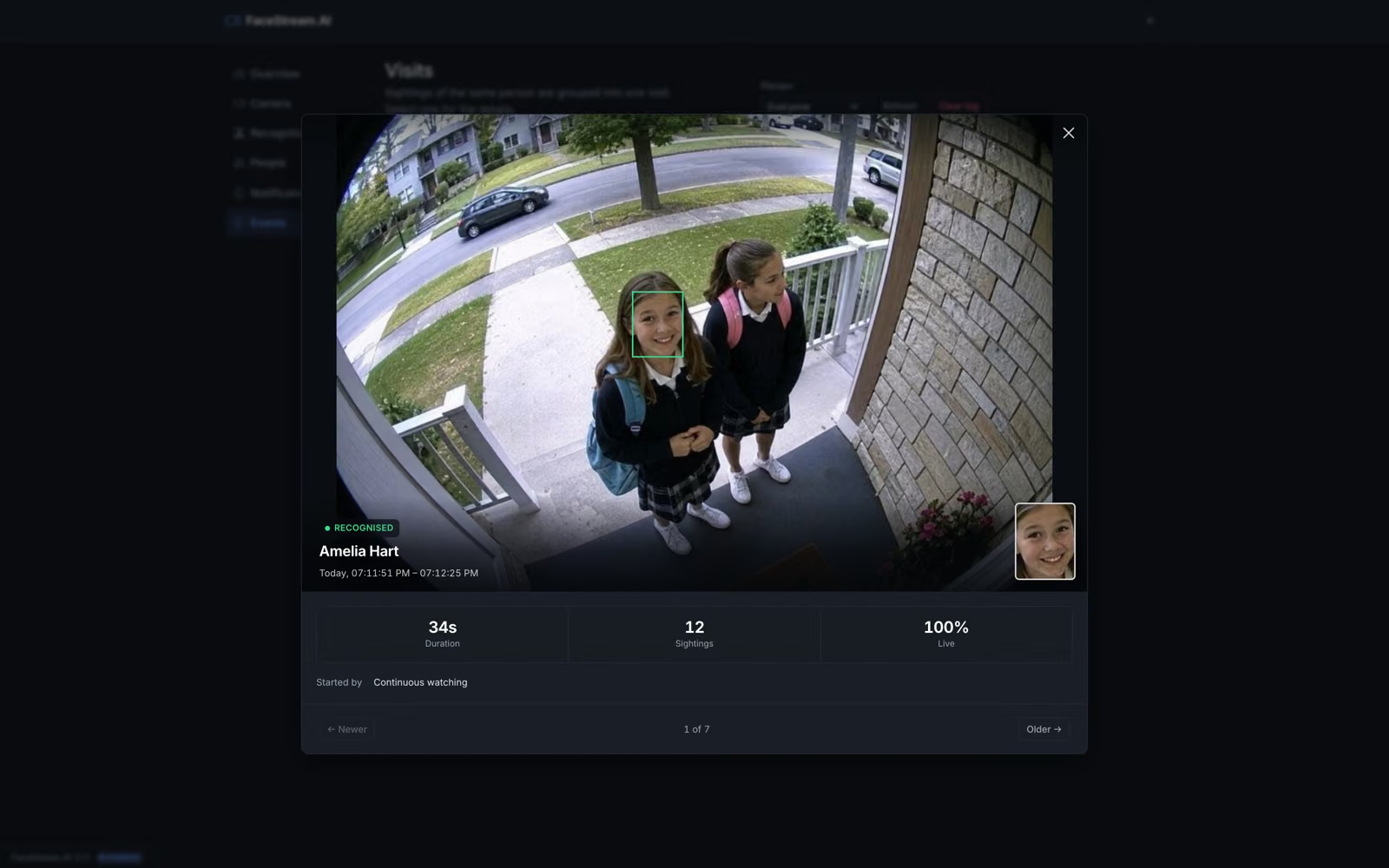
Recognise people you have enrolled
Connect a camera and add known people. FaceStream creates events for recognised and unknown people. Camera angle, lighting and usable face detail affect the result.
Understand recognitionChoose where events go
Use supported connections to send information to the systems you configure. For example, Home Assistant consumes MQTT events and Loxone receives identity information.
Explore connections and rulesKeep roles clear
Your camera supplies the picture. FaceStream recognises and communicates. The external automation system decides whether its configured scene or action should run.
See a Loxone exampleBefore you decide
My camera already recognises faces. Why add FaceStream?
You may not need to. FaceStream is useful when suitable streams from existing cameras should feed identity information into other systems through an independent software layer.
Should I use my existing camera or NVR solution instead?
If your current setup already delivers the identity events and integrations you need, it may be sufficient. Evaluate FaceStream against the actual workflow you want, not recognition alone.
Do I need to replace my cameras?
Usually not if they provide suitable accessible streams. Verify compatibility and the quality of faces in the image before planning the installation.
Check compatibilityYour next step
Choose where identity should become useful.
Start with a camera and then follow the guide for your automation system.